
You’ve heard that AI is going to change your business, mostly from people selling something. Here’s the hype-free version: today’s AI tools are very good at exactly one thing a pool service owner needs — reading a pile of information and answering questions about it in plain English. That’s it. And that’s a lot, because “a pile of information nobody has time to read” describes most of what a service company produces.
Using AI to Find the Insights Hiding in Your Pool Business
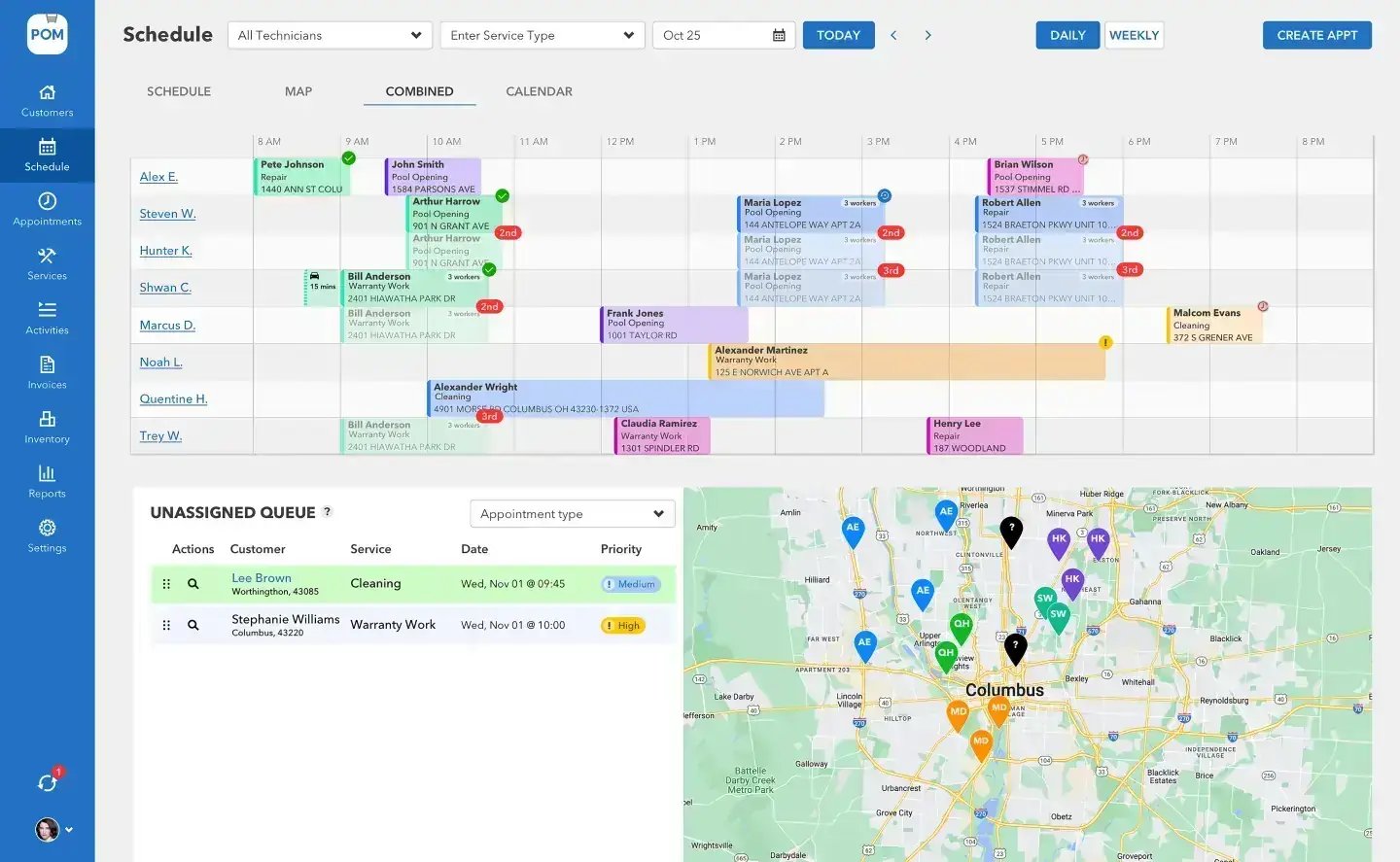
You don’t need a data scientist, a new hire, or a big budget. You need your own records in a file, a general AI assistant (ChatGPT, Claude, Gemini — any of the major ones), and twenty minutes. Here’s what owners are actually doing with that.
1. Interrogate your own numbers
Export your customer list, service records, or invoices to a CSV or spreadsheet, upload it to an AI assistant, and ask questions the way you’d ask a sharp office manager: Which ten customers had the most visits per dollar billed this season? What’s the average days-to-paid by month — is it getting worse? Which stops took the longest, and do they cluster anywhere?
The AI does the sorting, math, and summarizing that used to mean an evening with spreadsheet formulas. You still make the calls — but you make them looking at answers instead of raw rows. One caution that matters: check anything surprising against the source data before acting on it. AI tools are excellent assistants and imperfect accountants.
2. Read a season of chemistry at once
A year of water chemistry across a whole route is more than any human reads for fun — and exactly the kind of thing AI reads instantly. Upload the history and ask: which pools’ chlorine demand trended up this summer? Which addresses keep needing pH correction visit after visit? Where are we using the most acid per gallon? The answers point at failing equipment, chronic problems worth a customer conversation, and dosing habits worth coaching — patterns that hide in plain sight when the data lives one visit at a time.
Four real uses, zero hype
What owners are actually doing
Interrogate your numbers
Upload a CSV, ask questions like you’d ask a sharp office manager. Answers instead of raw rows.
Read a season of chemistry
Trends across a whole route, instantly — failing equipment and chronic problems that hide one visit at a time.
Draft the writing you put off
The price-increase letter, the review request, the job post — ten minutes of editing beats an hour of staring.
Summarize customer feedback
A season of reviews and cancellation notes, boiled down to the recurring, fixable themes.
3. Draft the writing you keep putting off
The unwritten email is a real cost: the price-increase letter, the “here’s why your pool went green” explanation, the review request, the winterization reminder. AI drafts all of these well from a two-sentence prompt — give it the situation and the tone (“firm but warm, we’ve served this customer six years”) and edit what comes back. The same trick works on job posts, training checklists, and the website copy you’ve been meaning to fix since March.
4. Summarize what your customers are telling you
Paste a season of reviews, complaint emails, or cancellation notes into an AI assistant and ask for the recurring themes. Every owner thinks they know why customers leave; the actual text usually says something more specific — and fixable. “Three of your eight cancellations this year mention not knowing when the tech was coming” is an insight worth more than a hundred five-star ratings, because you can do something about it next week.
BIG PICTURE
Not sure where to start?
Book a free 20-minute call — we’ll look at what you’re collecting today and suggest the two or three analyses worth running first, whether or not you ever use our software. 614-710-0074.

What AI can’t do for you
It can’t fix data you never collected. An AI assistant with no records is a very articulate consultant with no facts — every insight above starts with your company writing things down consistently: visits, times, readings, chemicals, payments. Garbage in, confident-sounding garbage out. Which is the honest reason this page lives on our site.
Where POM fits
Pool Office Manager is the writing-it-down machine. Techs record chemistry, chemicals, photos, and time in the mobile app during every visit; billing, scheduling, and customer history accumulate in one place; and all of it exports to CSV whenever you want to hand it to an AI and start asking questions. Clean, consistent, dated records per customer — exactly the raw material these tools need. You own your data, and it’s built to be worth analyzing.
Keep exploring
Your service data is telling you something · Reports & visibility in POM · FAQ
We were excited to try this program and have been satisfied with the use. Love the scheduling feature, from an office stand point, and the guys are happy with not having to use paper.
Town & Country
I can easily keep track of my employees progress throughout the day and have the ability to send other techs to fill in if needed. Love the maps optimization feature. Saves time and money
Aqua Clear Pools
Great software program. Keeps our route in order while providing detailed service reports to all of our clients when the cleaning/maintenance is complete
Blue Water Pools
FAQ
Common questions
Which AI tool should I use?
Any of the major general assistants — ChatGPT, Claude, Gemini. For the uses on this page they’re all capable: upload a file, ask plain-English questions, check surprising answers against the source.
Is my customer data safe to upload?
Use a paid business account with training turned off where offered, remove fields you don’t need (like payment details) before uploading, and treat the export like any other business record you’d share with a contractor.
Do I need POM for any of this?
No — you need consistent records in a file. POM’s role is producing them automatically: chemistry, chemicals, photos, time, and billing collected during normal work, exportable to CSV whenever you want to analyze them.
What should I try first?
Export last season’s service records and ask which stops took the longest and whether they cluster anywhere. It’s the fastest path to a real decision — usually a route change.
Ask an expert
Free 20-minute call: what you’re collecting today, and the two or three analyses worth running first. 614-710-0074.