
Every question you’d normally answer by calling a tech, digging through paper, or just guessing — POM answers from the data your team already produces by doing their jobs. Who’s been to that pool this month? How many chemicals did route 3 use? Which customers had the most visits? What did Tuesday actually look like?
Know what’s happening without asking
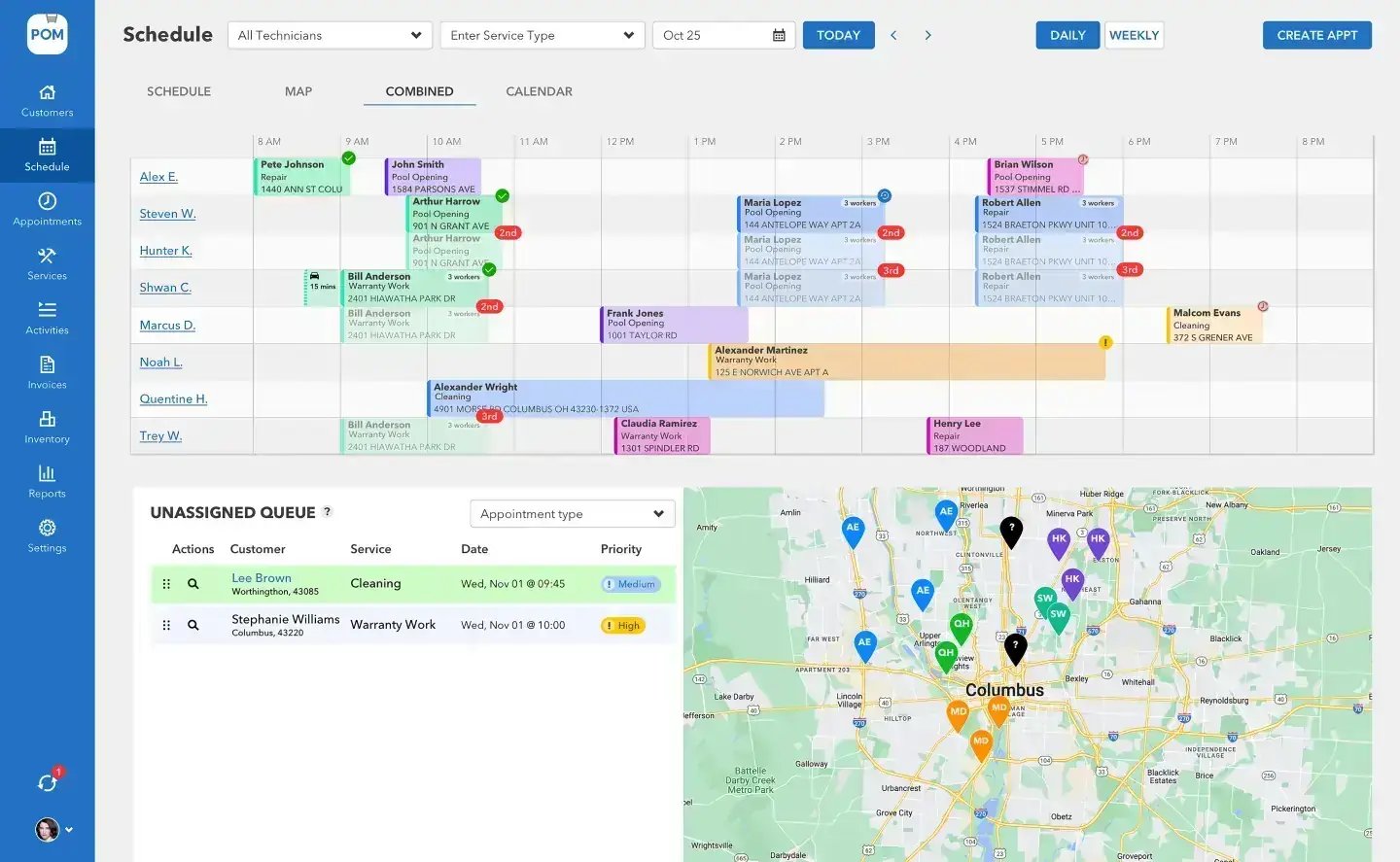
Reports shaped like your question
Custom reports with flexible rows and columns: group by customer, technician, service type, or date, pick the fields that matter, and read the answer. Chemistry reports, chemical usage, time and payroll, visits, invoicing — the same live data your field and office work feeds all day, sliced the way you’re asking.
Delivered before you ask
Any report can be scheduled for email delivery — the Monday route summary, the month-end chemical usage, the payroll export — arriving on its own instead of being rebuilt by hand every time. Export anything to CSV or PDF when someone else needs it, from your accountant to an AI tool you’re using to dig deeper. You own your data.
Three views of the truth
Looking back, watching now, planning ahead
Reports look back
Visits, chemistry, chemical usage, invoicing, and payroll — grouped by customer, tech, service type, or date, exported wherever you need them.
The dashboard looks at now
GPS-verified technician locations and service completion as it happens. “Did the Hendersons get serviced?” answered in five seconds.
The time clock feeds payroll
Clock in/out rolls into daily, weekly, pay-period, and overtime reports. Friday afternoon stops being an archaeology project.
The live view: GPS and the activity dashboard
Reports look back; the activity dashboard looks at right now. Technician locations on the map during the workday, GPS-verified, with service completion as it happens. It’s not about watching your people — it’s about answering “did the Hendersons get serviced?” in five seconds, while the customer is still on the phone.
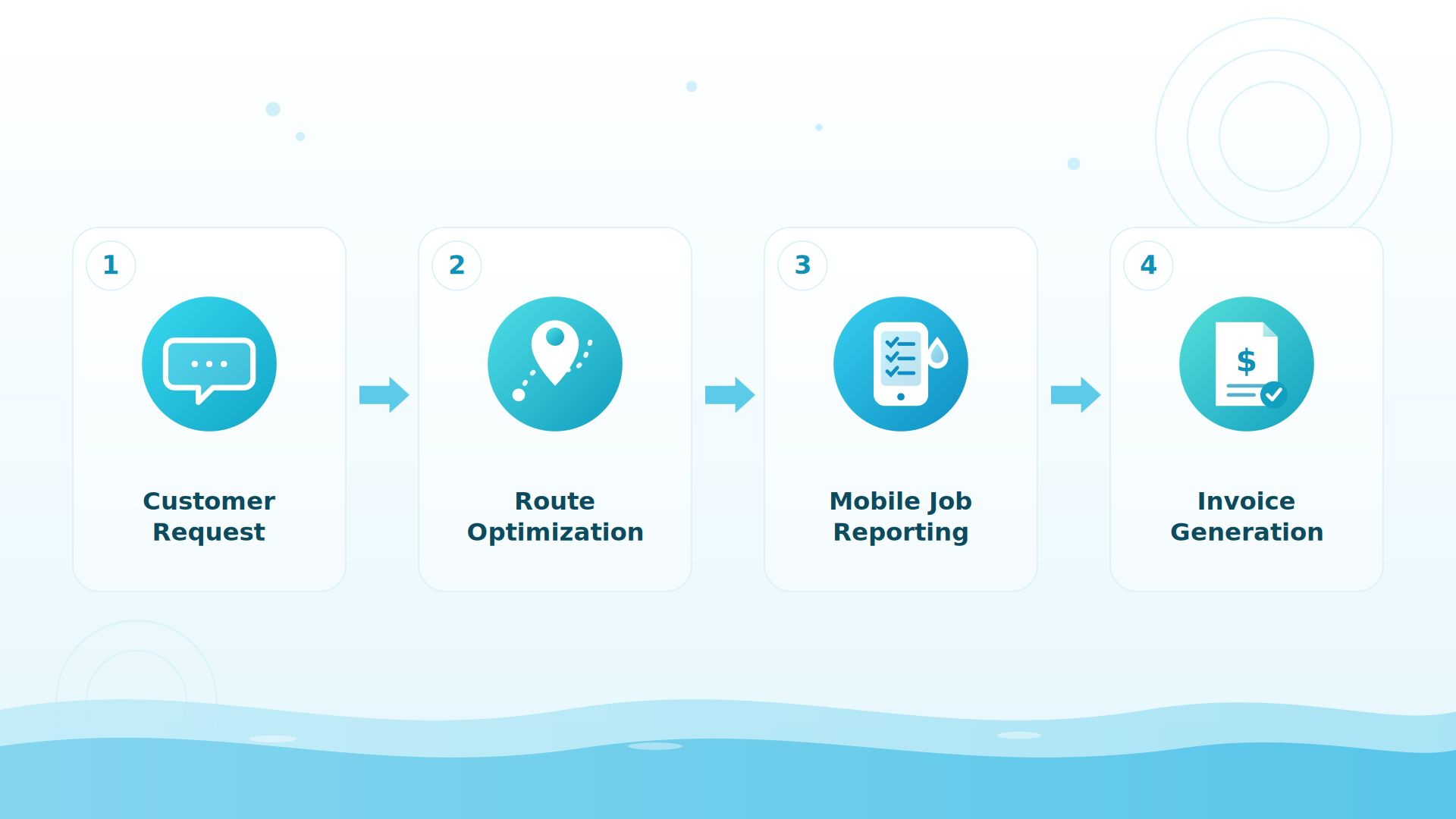
BIG PICTURE
What’s the one question you can’t answer today?
Book a 20-minute setup call (614-710-0074) and tell us — we’ll show you the report that answers it.

One place, one truth
The reason this all works is that scheduling, field work, chemistry, billing, and time all happen in one platform — so the reports aren’t a reconciliation of five systems that disagree; they’re just the company, described.
Customer-reported results
Owners tell us POM gives them 100% visibility into every job, and companies report about 20% growth after switching — because decisions get made on numbers.
Keep exploring
Your service data is telling you something · Billing & QuickBooks · Using AI on your business data · Pricing · Inventory & ordering · Payroll integration
We were excited to try this program and have been satisfied with the use. Love the scheduling feature, from an office stand point, and the guys are happy with not having to use paper.
Town & Country
I can easily keep track of my employees progress throughout the day and have the ability to send other techs to fill in if needed. Love the maps optimization feature. Saves time and money
Aqua Clear Pools
Great software program. Keeps our route in order while providing detailed service reports to all of our clients when the cleaning/maintenance is complete
Blue Water Pools
FAQ
Reporting questions
Can I build my own reports?
Yes — custom reports with flexible rows and columns: group by customer, technician, service type, or date, and pick the fields that matter.
Can reports arrive automatically?
Yes — schedule any report for email delivery: the Monday route summary, month-end chemical usage, the payroll export.
Can I export my data?
Everything exports to CSV or PDF — customers, service records, chemistry, payroll. You own your data.
Is the GPS tracking live?
Yes — technician locations on the map during the workday, GPS-verified, with historical data by date and an activity dashboard for right now.
How do I know if my pool route is profitable?
Measure cost per stop: minutes on site plus minutes driving, times your loaded labor rate, plus chemicals used — then compare it to what the stop pays. POM’s reports slice time, visits, and chemical usage by customer and route, so revenue-per-stop math comes from data your techs already record.
How do I track chemical costs per customer or per route?
Every chemical a tech logs ties to a customer, truck, and date. Usage reports total those doses by customer, technician, or month — the number behind repricing the always-green pool.
What KPIs should a pool service company track?
Start with five: cost per stop, chemical cost per customer, field hours split (pools vs. road vs. everything else), days from service to invoice to paid, and visits per truck per day. All five come out of POM’s reports — and export to CSV.
Run the company on numbers
30 days, every feature, card at signup, nothing charged until day 30, cancel anytime. 614-710-0074.