
You chose Pool Brain because you wanted to run a tighter operation. Better routing. Better billing. Better data. Those goals haven’t changed — but if your team is spending more time fighting the software than using it, or you’re paying enterprise prices for features your company doesn’t need, it might be time for something that fits your operation today. POM gives you the scheduling, chemistry, invoicing, inventory, and routing you need — without the complexity tax.
Ready for Pool Service Software That Fits the Way You Actually Work?
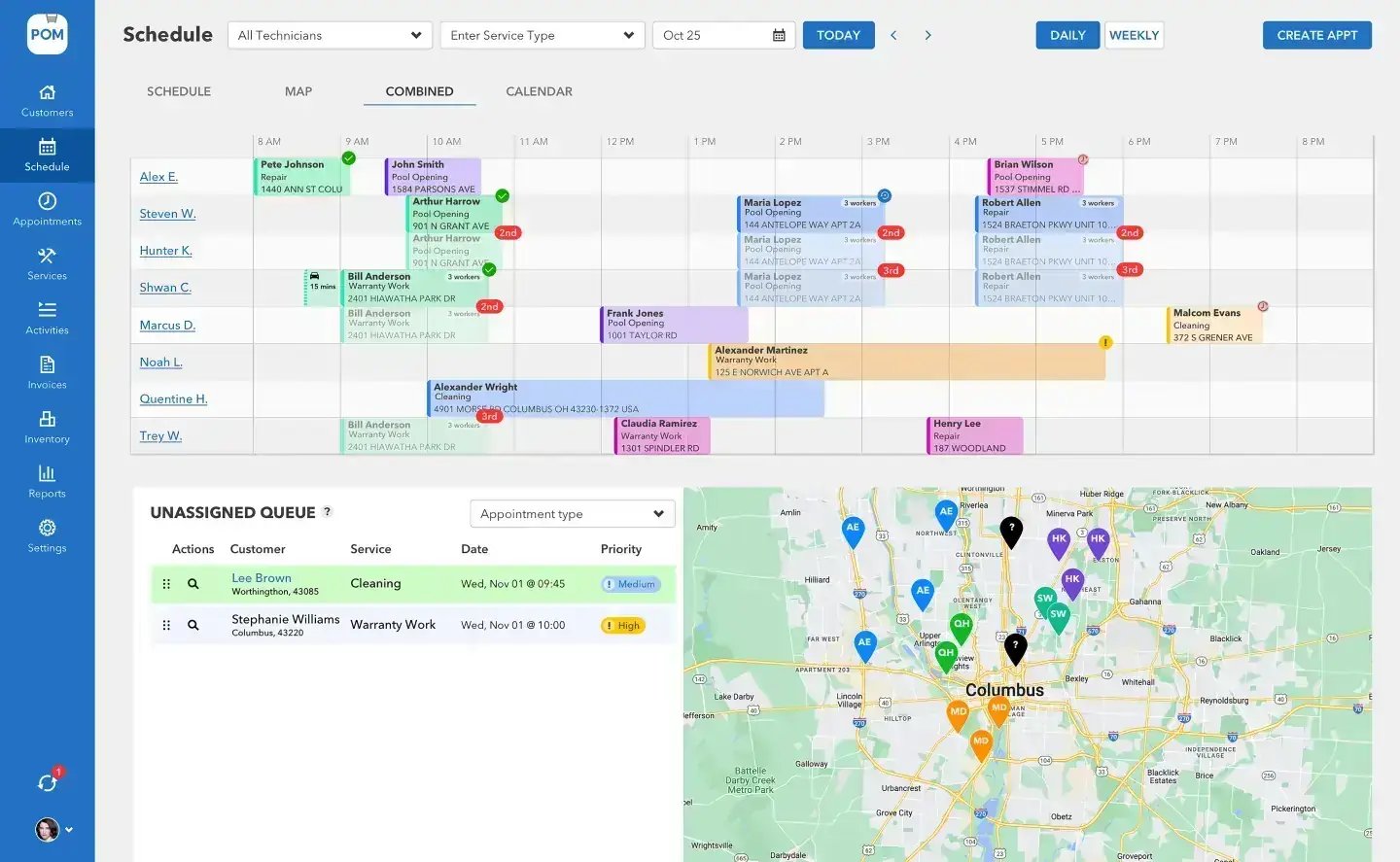
What pool companies tell us when they switch
“My techs won’t use it.” If technicians push back on software because it slows them down or drains their phone battery, productivity drops. POM’s mobile app was designed for speed — technicians typically pick it up on their first day of service.
“I’m paying for features I don’t use.” Enterprise analytics, technician scorecards, and complex payroll calculations are powerful tools for 50-truck operations. If you’re running 5 to 15 technicians, you might be paying for power you don’t need.
“The setup took forever.” Multi-month implementations work for large companies with dedicated operations managers. Most growing pool companies need to be live this week, not this quarter.
“I can’t get support when I need it.” When your billing is wrong or a route is broken, you need a real person on the phone who understands pool service — not a help article.
Save money immediately
Pool Office Manager costs $125/month for your first user + $25/month per additional active user. Compare that to your current Pool Brain bill:
| Your Team Size | Pool Brain (est.) | Pool Office Manager | Annual Savings |
|---|---|---|---|
| 5 techs | ~$285/mo | $225/mo | $720/yr |
| 10 techs | ~$560/mo | $350/mo | $2,520/yr |
| 15 techs | ~$835/mo | $475/mo | $4,320/yr |
| 20 techs | ~$1,110/mo | $600/mo | $6,120/yr |
Pool Brain pricing as independently reported, January 2026 — verify at poolbrain.com. POM pricing current as of September 2026.
And during the off-season? Deactivate users and stop paying for those seats the same month. No calls to support. No contract negotiations. Just toggle them off.
The POM difference
Why switchers stay
Learn in minutes, not months
Techs learn the mobile app during their first day of service. No multi-week training programs, no adoption managers — open the app, see the route, complete the report.
QuickBooks stays clean
Two-way sync of invoices, customers, and payment status. When a customer pays in QuickBooks, POM shows it paid — no manual updates.
US-based phone support
Call and talk to a real person who understands pool service. No chatbots, no ticket queues — 614-710-0074.
How the migration works
Step 1 — start your free trial: 30 days, full access, instant. Card at signup, nothing charged until day 30, cancel anytime.
Step 2 — import your customers: export a CSV from Pool Brain and import directly, or connect QuickBooks and customers sync automatically.
Step 3 — set up routes and services: our team walks you through service types, routes, and billing preferences — typically one call.
Step 4 — train your techs: hand them the app and show them their route. Most are completing full service reports by the end of day one.
Step 5 — go live: run both systems side by side for a few days, then cut over.
Typical timelines: under 100 customers, 1–2 days; 100–500 customers, 3–5 days; 500+, 1–2 weeks. Migration is free — email help@poolofficemanager.com with the subject “Switching from Pool Brain” and we’ll schedule a migration call.
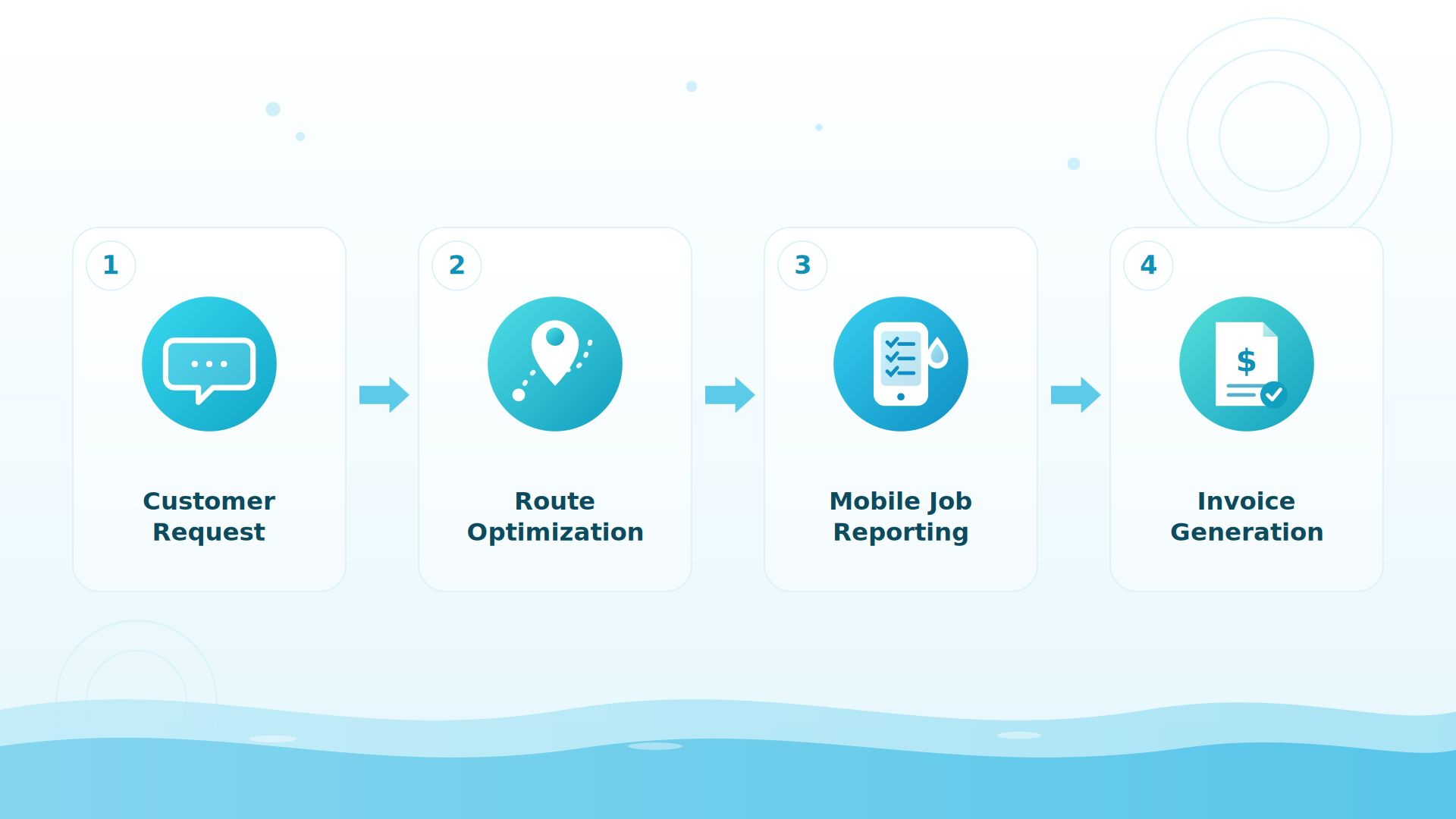
BIG PICTURE
Switch without the stress
Free migration, one setup call, techs live by day one — and both systems in parallel until you’re confident.

Everything you need, nothing you don’t
| Scheduling & Dispatch | 4 views with drag-and-drop |
| Route Optimization | Google Maps powered |
| Water Chemistry | 11 variables, LSI calculator, dosing recommendations |
| Invoicing & Billing | Batch invoicing, Stripe payments, 4 billing models |
| Two-Way QuickBooks Sync | Invoices, customers, and payment status |
| Tech Mobile App | The whole field day in one app: route, checklist, photos, chemistry, dosing, one-tap submit |
| Inventory Management | Multi-location, barcode scanning, auto-deduction |
| Equipment Tracking | Per-customer pool equipment records |
| GPS & Time Tracking | Real-time location, clock in/out with GPS verification |
| Quoting | E-signatures, convert to invoices |
| Custom Reports | Flexible reporting with CSV/PDF export |
| Customer Communication | Email and text from CRM |
| US-Based Phone Support | Real people, not chatbots |
Fully proficient in 7 to 21 days
That’s the real number, from real migrations: most companies are fully proficient in POM within 7 to 21 days of starting. Send whatever Pool Brain exports to files@poolofficemanager.com with your company name in the file name; we clean and import it, usually within 1 business day. Questions along the way: help@poolofficemanager.com or 614-710-0074.
POM is priced so your software cost goes down as your efficiency goes up — fast to learn, built for seasonal service.
Keep exploring
Pool Brain alternative · POM vs Pool Brain, side by side · FAQ: trial, migration, support · Support center
We were excited to try this program and have been satisfied with the use. Love the scheduling feature, from an office stand point, and the guys are happy with not having to use paper.
Town & Country
I can easily keep track of my employees progress throughout the day and have the ability to send other techs to fill in if needed. Love the maps optimization feature. Saves time and money
Aqua Clear Pools
Great software program. Keeps our route in order while providing detailed service reports to all of our clients when the cleaning/maintenance is complete
Blue Water Pools
FAQ
Switching questions
Will I lose my service history?
Your POM history starts the day you begin. Talk to us about bringing over historical data — most companies start fresh and keep the old system for reference during the transition.
Can I run Pool Brain and POM at the same time?
Yes, and we recommend it for the first week or two — then cut over when you’re confident.
What does migration cost?
Nothing — migration is free, including from competitors. Imports usually land within 1 business day.
How does the trial work?
30 days, every feature, instant access. Card at signup, nothing charged until day 30, cancel anytime — reply to any email or call 614-710-0074.
Start your 30-day free trial
Full access to every feature — card at signup, nothing charged until day 30, cancel anytime. Or schedule a migration call: 614-710-0074.
About this comparison. Information about Pool Brain on this page comes from publicly available sources and our own understanding of the products as of October 2026. Features, plans and pricing change, and details may be out of date or incomplete, so please check each company’s own website before you decide. This page reflects our opinion and is not a statement of fact about any company’s current offering. Product names and trademarks belong to their respective owners, and Pool Office Manager is not affiliated with or endorsed by them. See something that needs correcting? Email help@poolofficemanager.com and we will review it promptly.