
Your techs clock in and out in the POM app all week — GPS-verified, corrected by a manager when something’s off, with the whole trail kept. Payroll shouldn’t mean re-typing those hours into another system. The time clock API reads them straight into whatever runs your payroll.
Friday payroll from data your crew already created
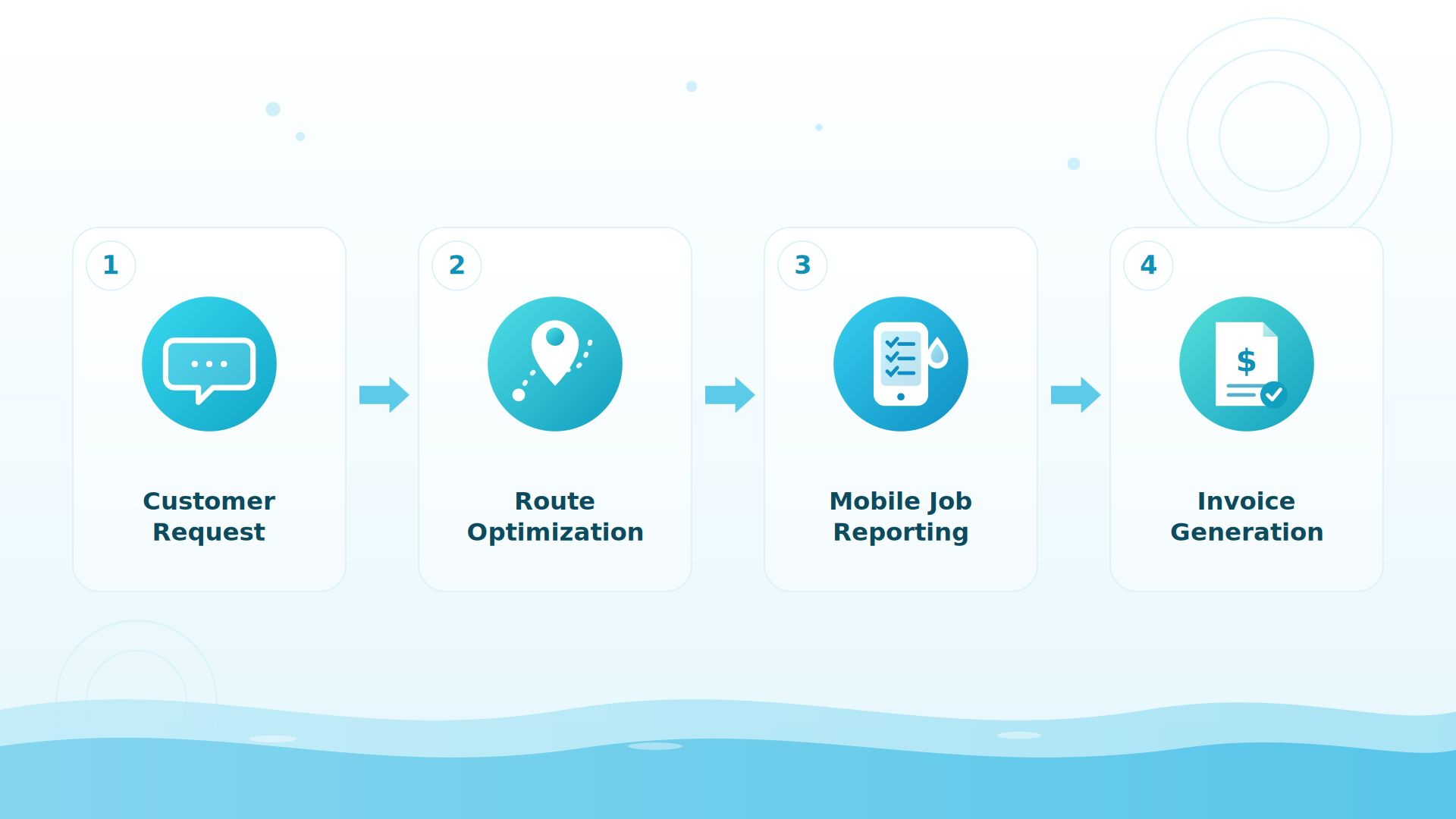
How the pattern works
A scheduled job — or your bookkeeper’s tool of choice with an HTTP step — pulls the pay period from the API:
- Read the entries:
infiniteClockingsreturns each clock-in/clock-out withhoursWorked(rounded to two decimals), timestamps, and the team member — filterable by date range for your exact pay period. - Trust the numbers: entries carry an audit trail of administrator corrections, so what payroll sees is what a manager approved.
- Feed the system: map hours per person into Gusto, ADP, Paychex, QuickBooks Payroll, or a plain CSV — whatever your accountant already runs.
The key uses the read:timeclock scope and nothing else — your payroll tool can’t see customers, invoices, or the schedule.
Why it’s built this way
Read-only, on purpose
One source of truth
Hours are recorded where the work happens — the tech’s phone — and corrected only in POM, by a manager, with the change logged.
No re-keying, no transposition
The most common payroll error is a human copying numbers between systems on a Friday afternoon. This pattern deletes that step.
Least-privilege access
A payroll key reads the time clock and nothing else. Revoke it in one click if your bookkeeper changes.
No API? The built-in reports still beat retyping
If you’d rather not wire anything up, POM’s time reports already roll clock data into daily, weekly, pay-period, and overtime views — exportable to CSV or PDF for your payroll provider. The API pattern is for companies that want Friday to run itself.
BIG PICTURE
Who runs your payroll?
Tell us the system and the pay period, and we’ll sketch the pull. 614-710-0074 · help@poolofficemanager.com

A concrete example
Every other Friday at 6am, a job pulls two weeks of clockings, sums hoursWorked per tech, flags anyone over 40 in a week for overtime handling, and drops the file into the bookkeeper’s inbox — or posts it directly to the payroll provider’s import. The office’s Friday payroll block shrinks from an afternoon to a review.
What a POM customer built
One owner’s techs clock in and out in POM. He connected the API to his payroll system, so the hours carry over when it’s time to run payroll and nobody keys them in by hand.
The honest details
Time entries are read-only through the API by design — external systems can’t write or alter hours, which is exactly what you want for payroll integrity. Overtime and pay-rate rules live in your payroll system, not in the API; POM supplies the verified hours. No webhooks today, so the pull runs on your pay-period schedule.
Keep exploring
Integrations & API hub · Reports & visibility · The tech mobile app · Supplier ordering
We were excited to try this program and have been satisfied with the use. Love the scheduling feature, from an office stand point, and the guys are happy with not having to use paper.
Town & Country
I can easily keep track of my employees progress throughout the day and have the ability to send other techs to fill in if needed. Love the maps optimization feature. Saves time and money
Aqua Clear Pools
Great software program. Keeps our route in order while providing detailed service reports to all of our clients when the cleaning/maintenance is complete
Blue Water Pools
FAQ
Payroll questions
Can POM send hours to Gusto, ADP, or QuickBooks Payroll?
Through the time clock API, yes — infiniteClockings returns GPS-verified hours per team member for any date range, ready to map into your payroll system’s import. Without code, the built-in pay-period reports export CSV/PDF.
Can a payroll system change hours in POM?
No — entries are read-only through the API. Corrections happen in POM, by an administrator, and carry an audit trail.
How is overtime handled?
POM reports daily, weekly, pay-period, and overtime views; the API supplies raw verified hours and timestamps. Your payroll system applies your pay and overtime rules — they stay where your accountant expects them.
Does POM run payroll itself?
No — POM is the verified source of hours, not a payroll processor. That separation keeps your payroll provider’s compliance handling intact.
Give Friday back to the office
30-day trial — clock a week of real routes and pull your first pay period. 614-710-0074.