
Pool Office Manager ships with native integrations for the systems most pool companies already run — QuickBooks Online, Stripe, and Heritage Distribution — and a documented API for everything else: your website’s lead forms, your CRM, your phone system, your suppliers, your payroll. If your business runs on it, there’s a clean way to connect it.
POM plays well with the rest of your stack
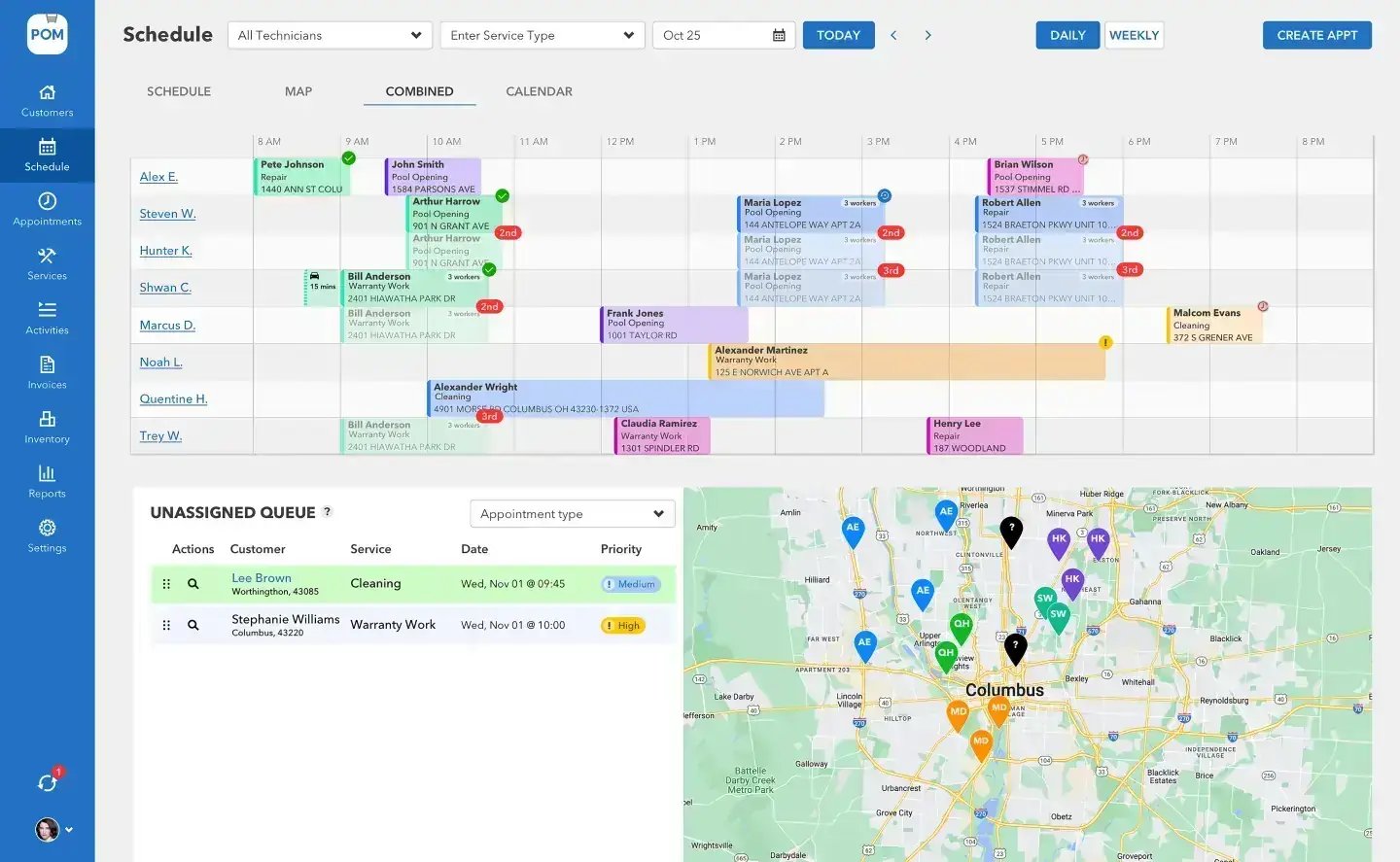
Built-in integrations
QuickBooks Online (+$25/mo): two-way sync of customers, items, and invoices, with payment status syncing back automatically throughout the day. Stripe: customer payments by credit card and ACH at standard Stripe rates, with payment status tracking and refunds. Heritage Distribution: search the catalogue, order parts, and track order status without leaving POM. These need no code — they’re switched on from Settings → Integrations.
And a real API for everything else
The POM API is GraphQL at api.poolservicemanager.com, secured with scoped keys your administrator creates in Settings → API Keys — pick exactly the permissions each integration needs (read or write, per resource), set an optional expiry, and revoke anytime. It covers customers, appointments, services, invoices, quotes, projects, inventory, users, time clock, taxes, and bulk operations, with rate limiting per organization. Full reference: docs.poolservicemanager.com.
Integration patterns
What companies connect
Five patterns cover most of what pool companies ask for — each has its own page with the honest details:
Web forms → POM
Your website’s “get a quote” form creates the customer and the quote in POM the moment it’s submitted. How it works →
CRM systems
Keep POM and your sales CRM talking — customers created and updated both ways, without re-keying. How it works →
Phone systems
Caller-ID lookup against your POM customers, and appointments created while the caller is still on the line. How it works →
Supplier ordering
Heritage is built in; the inventory API connects everything else — items, quantities, low-stock signals, transfers. How it works →
Payroll
GPS-verified clock in/out data, read straight from the API into your payroll workflow. How it works →
How access works
Keys are created by an organization admin in Settings → API Keys, shown once, and scoped with action:resource permissions — an integration that only reads the time clock gets read:timeclock and nothing else. Treat keys like passwords: store them in your integration’s secret manager, never in a browser or source control. Revoked or expired keys stop working immediately.
High-volume work — creating, updating, exporting, emailing, or texting many records at once — goes through the asynchronous Bulk Operations API rather than one call at a time.
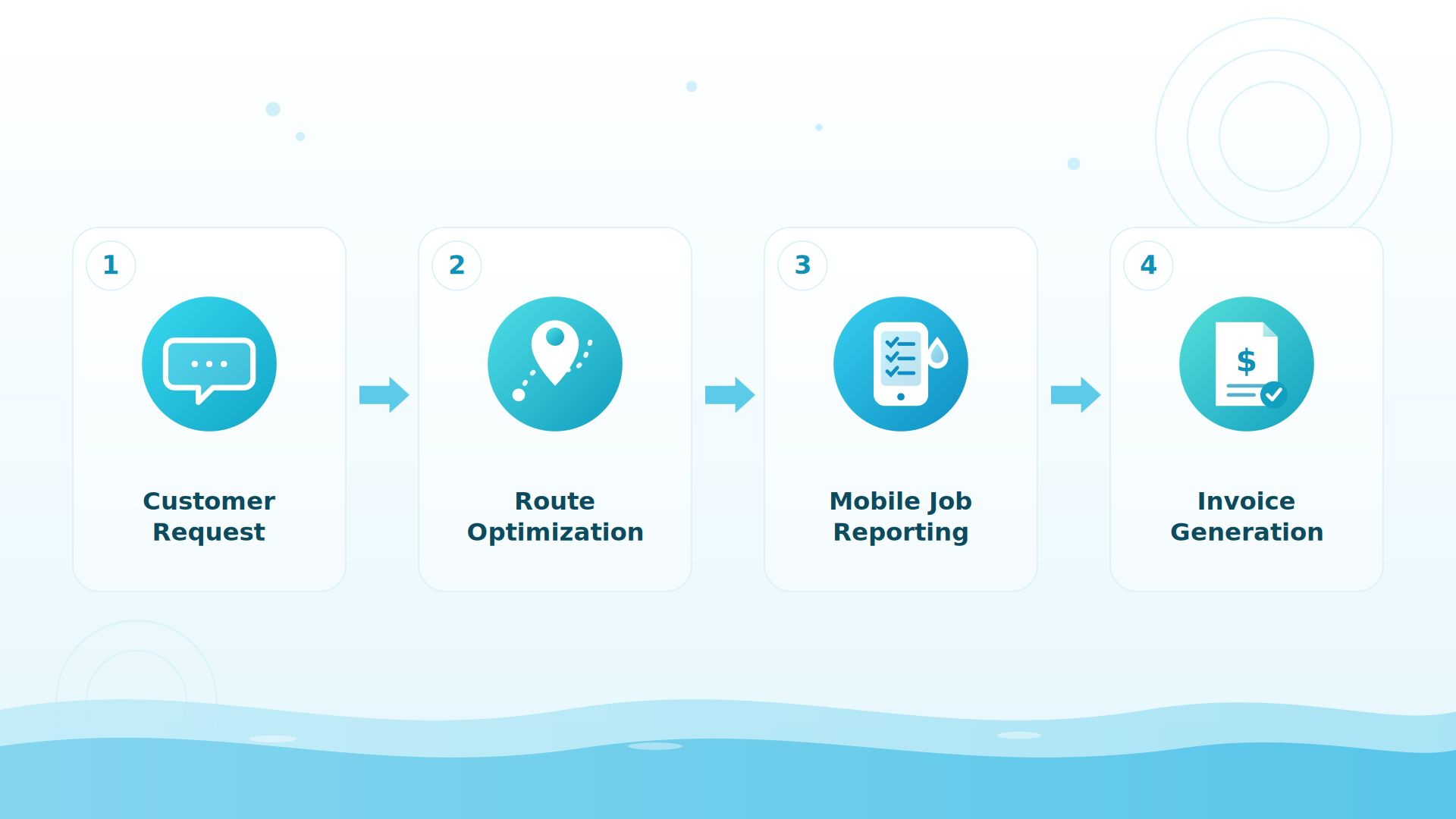
BIG PICTURE
Building something? Talk to us.
Tell us what you’re connecting — we’ll point you at the right endpoints and scopes. 614-710-0074 or help@poolofficemanager.com.

What the API can do today
Create and update customers (with autocomplete lookup for matching); create, reschedule, and reassign appointments — including “this and all following” changes and an asynchronous route-optimization job; create and update quotes, with photo and PDF upload; read and update inventory items and move stock between locations; read invoices, services, projects, taxes, and users; and read GPS-verified time-clock entries with an audit trail.
What to know before you build
The API is GraphQL-first (with REST endpoints for file uploads and transfers), rate-limited per organization, and does not currently publish webhooks — integrations poll on a schedule that suits the data. Time-clock entries are read-only by design: hours can feed payroll, but only POM writes them. When the docs and a page like this disagree, the docs win.
Keep exploring
Web forms · CRM · Phone systems · Suppliers · Payroll · Billing & QuickBooks
We were excited to try this program and have been satisfied with the use. Love the scheduling feature, from an office stand point, and the guys are happy with not having to use paper.
Town & Country
I can easily keep track of my employees progress throughout the day and have the ability to send other techs to fill in if needed. Love the maps optimization feature. Saves time and money
Aqua Clear Pools
Great software program. Keeps our route in order while providing detailed service reports to all of our clients when the cleaning/maintenance is complete
Blue Water Pools
FAQ
API questions
Does Pool Office Manager have an API?
Yes — a documented GraphQL API at api.poolservicemanager.com covering customers, appointments, services, invoices, quotes, projects, inventory, users, time clock, taxes, and bulk operations. Reference: docs.poolservicemanager.com.
How do I get an API key?
An organization administrator creates keys in Settings → API Keys — name the key, choose scopes, optionally set an expiry. The secret is shown once at creation; store it in a secret manager.
Does the API support webhooks?
Not currently — integrations poll for changes. Cursor-paginated list queries and per-day count queries make scheduled syncs efficient.
Is there a Zapier integration?
Not an off-the-shelf one today — the GraphQL API is the connection point, and most no-code platforms that speak HTTP (including Zapier’s webhooks/code steps or Make’s HTTP module) can call it. Tell us what you’re wiring up and we’ll help: help@poolofficemanager.com.
What does API access cost?
The API is part of your POM subscription — $125/mo first user + $25/mo each additional. No separate API tier.
Connect your stack
Start the 30-day trial, create a scoped key, and make your first call today. Questions: 614-710-0074.