
Every “did the tech come?” call starts the same way: the office asks who’s calling, hunts for the account, and scrolls while the customer repeats their address. With the POM API wired to your phone system, the caller’s number matches their customer record before you pick up — name, address, last visit, open invoices, on screen.
Know who’s calling before you say hello
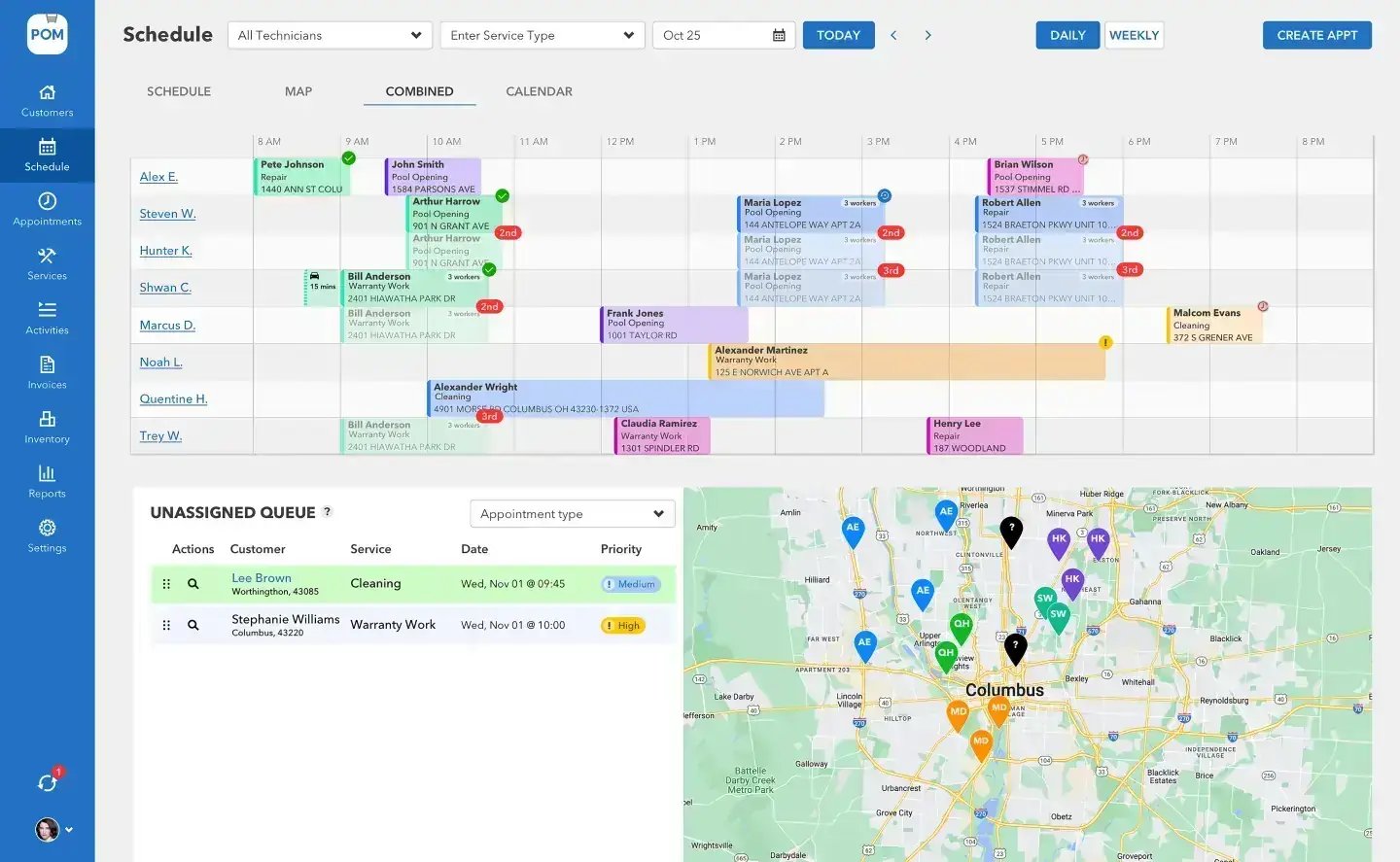
How the pattern works
Modern business phone systems — RingCentral, Aircall, OpenPhone, Dialpad, GoTo, and most VoIP platforms — can run a lookup or screen-pop action on inbound calls. Pointed at a small middleware endpoint, that action uses the POM API:
- Match the caller: the autocomplete lookup query (
infiniteCustomerLookup) finds the customer by phone number in milliseconds. - Show the context: pull the customer’s record and recent appointments (
infiniteAppointmentsV2) so the person answering sees the last visit and the next one. - Act on the call: book or move the visit while the caller is on the line —
createAppointmentV2needs only customer, date, and duration;updateAppointmentV2reschedules with “just this one” or “this and all following.”
What changes
The two-minute call
No cold open
The account is on screen at hello — no “can I get your address again?”, no hold music while someone searches.
Answered on the spot
“When’s my next visit?” and “did the tech come Tuesday?” are one glance — the schedule and visit history are right there.
Booked before hangup
New appointment requests go straight into the schedule during the call — into the unassigned queue if dispatch wants to place them properly later.
Fewer of those calls in the first place
The best phone integration is the one your customers don’t need: POM’s photo-backed service reports answer “did the tech come?” before it’s asked — companies sending them report about 5x fewer customer inquiries. The phone pattern handles the calls that remain, and the customer texting add-on (from $10/mo) gives the office a written channel for the rest.
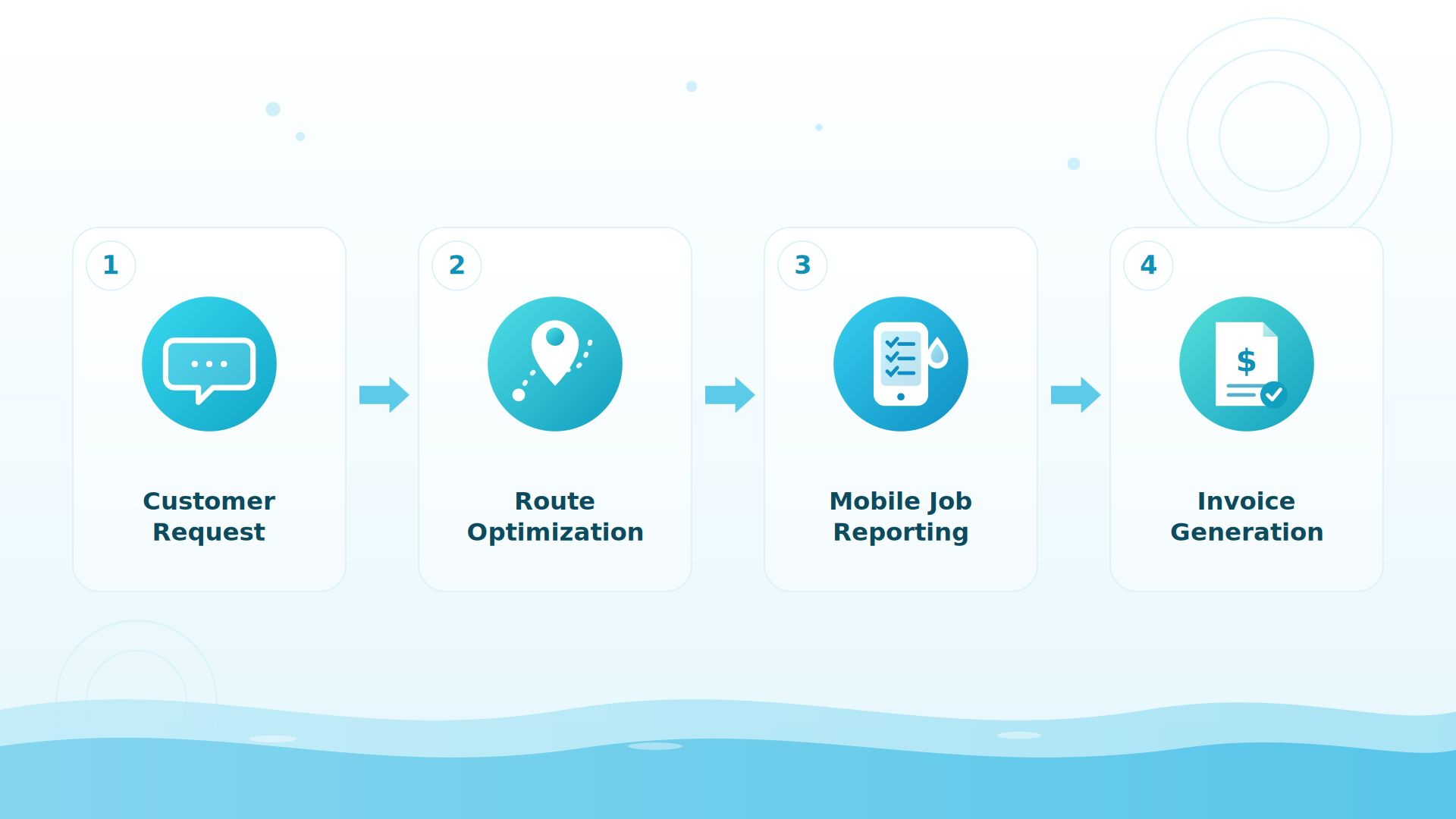
BIG PICTURE
Which phone system do you run?
Tell us and we’ll sketch the exact lookup flow for it. 614-710-0074 · help@poolofficemanager.com

A concrete example
A customer calls about rescheduling around a backyard party. The screen-pop shows their record and Thursday’s recurring visit. The office moves just that occurrence to Saturday with updateAppointmentV2 (scope: this visit only), the tech’s app updates instantly, and the whole call took ninety seconds — with zero sticky notes.
The honest details
Phone platforms differ in how they trigger lookups — some call a URL natively, some need a connector step in Zapier or Make, and a few only support their own marketplace apps. The POM side is the same in every case: a scoped read key (plus appointment write if you want in-call booking). No webhooks from POM today; this pattern is inbound-triggered, so it doesn’t need them.
Keep exploring
Integrations & API hub · Web forms · CRM systems · Scheduling & routes
We were excited to try this program and have been satisfied with the use. Love the scheduling feature, from an office stand point, and the guys are happy with not having to use paper.
Town & Country
I can easily keep track of my employees progress throughout the day and have the ability to send other techs to fill in if needed. Love the maps optimization feature. Saves time and money
Aqua Clear Pools
Great software program. Keeps our route in order while providing detailed service reports to all of our clients when the cleaning/maintenance is complete
Blue Water Pools
FAQ
Phone system questions
Can my phone system show the POM customer when they call?
Yes — the lookup query matches callers by phone number, and the customer record plus recent and upcoming appointments can render in a screen-pop. Most VoIP platforms support this via a URL action or a connector step.
Can we book appointments during the call?
Yes — createAppointmentV2 requires only the customer, a date, and a duration, and reschedules support “just this visit” or “this and all following.”
Does POM do call recording or phone service itself?
No — POM connects to the phone system you already use rather than replacing it. For written follow-ups, the customer texting add-on (from $10/mo, 24–48h activation) sends texts from POM.
What scopes does this need?
Read on customers and appointments for the screen-pop; add appointment write only if you want in-call booking. Your admin sets exactly that in Settings → API Keys.
Make the phone smarter
30-day trial, full API access, and a support team that answers its own phone: 614-710-0074.