
Every pool service owner has lived some version of this week: two techs quit in June, the job post has been up for a month, and the pools still need to be clean on Friday. You cannot hire your way out of it fast — good techs are scarce in every market, and a new hire takes weeks to be trustworthy on a route alone. What you can do fast is get more out of the crew you have. That is an operations problem, and operations problems have handles.
Short-Staffed: Running a Pool Route When You Can’t Hire
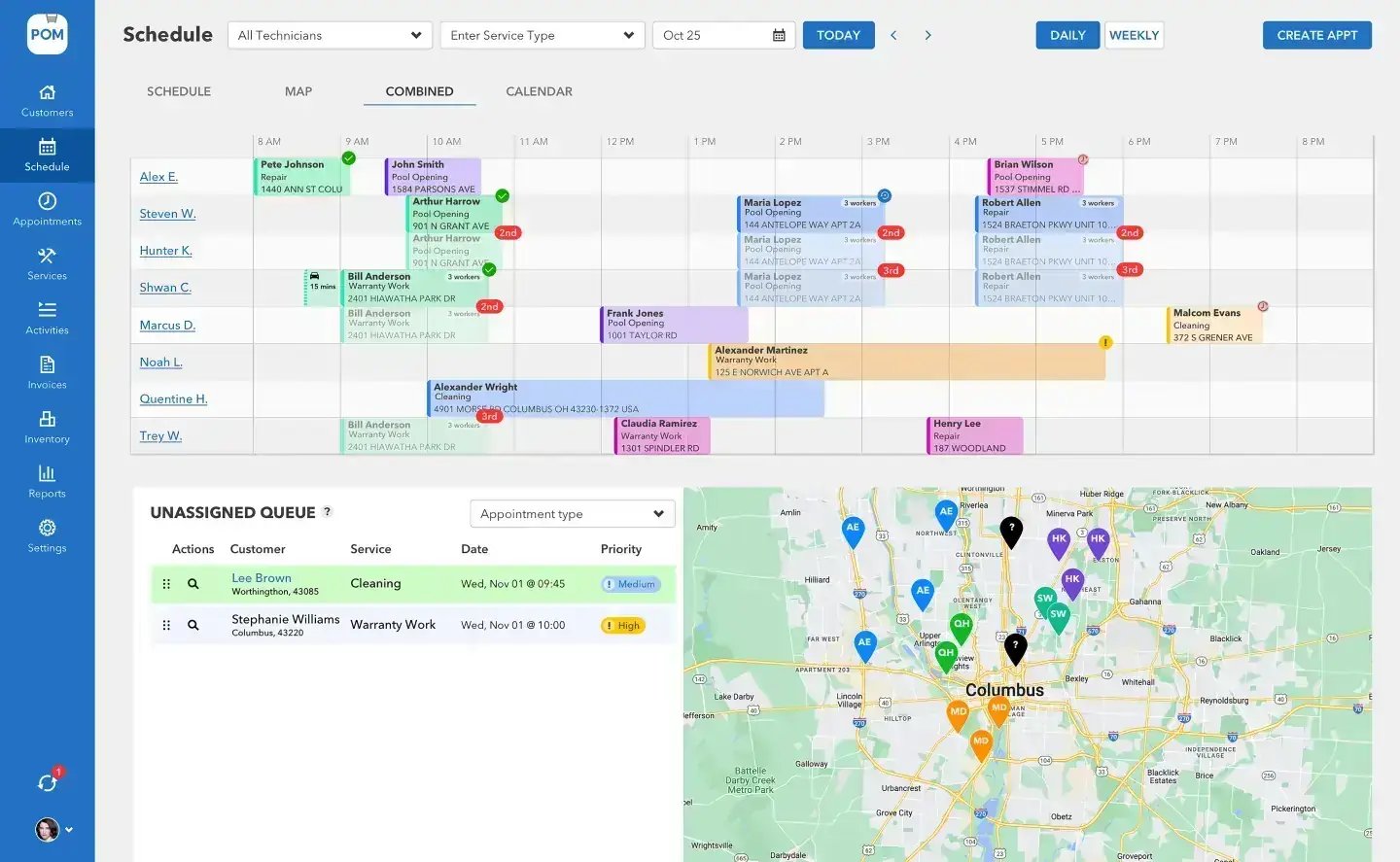
This is the playbook we see working across the 200+ pool service companies on our platform. None of it requires software to start — though we’ll be honest at the end about where software helps.
First, find out where the day actually goes
Before you change anything, measure a normal week. Most owners guess their techs spend the day cleaning pools. The stopwatch usually says otherwise: a meaningful slice of every field day goes to driving between stops, waiting at gates, calling the office to ask what is at the next stop, redoing paperwork at night, and returning to properties because something was missed the first time.
You do not need software for this — a notepad in each truck for three days will do. Have each tech jot the time they arrive and leave every stop, plus anything that was not pool work: calls to the office, hunting for a gate code, a trip back to the shop for a part. Owners who run this exercise are almost always surprised by two numbers: how much time is windshield time, and how often the office got a call that a better-prepared route sheet would have prevented.
Reroute by geography, not by history
Routes accrete. A customer signs up, they get bolted onto whichever day has room, and three years later your Tuesday route crosses town four times. When you are fully staffed, that is waste you can afford. Short-staffed, it is the first place to look, because drive time is the only part of the day that produces nothing.
Sit down with a map — paper works — and plot every stop by service day. Look for the crossings: stops that sit inside another day’s cluster. Then re-deal the week so each day is a tight loop. Yes, some customers will need to move from Tuesday to Thursday; in our experience customers accept a service-day change far more easily than owners expect, especially with a short note explaining you are tightening routes to keep service reliable. A route that loses 45 minutes of driving per truck per day gets you most of the way to a free extra stop — without anyone working later.
The playbook
Four levers that work
Measure the week
Three days, a notepad per truck. Find the windshield time and the calls a better route sheet would have prevented.
Reroute by geography
Re-deal the week into tight loops. 45 minutes less driving per truck per day is most of a free extra stop.
Tighten the stop
Property details before arrival, one standard checklist, readings against last visit’s numbers — same quality, 15 minutes faster.
Protect the field day
Batch billing weekly, pre-answer “did the tech come?” with visit evidence, write gate codes down.
Tighten the stop, not just the route
The difference between a 25-minute stop and a 40-minute stop, at the same quality, is usually preparation and sequence, not effort. Three habits make the biggest difference. Give every tech the property details before they arrive — gate code, dog’s name, equipment quirks, what happened last visit — so nothing at the property is a surprise or a phone call. Standardize the sequence with one checklist for what gets done at every stop, in what order, so nothing is skipped and there are no return trips; the return trip is the most expensive visit in your company. And record readings against last visit’s numbers, because chemistry drift you catch this week is a ten-minute adjustment — drift you catch next month is a green pool, an unhappy customer, and an unscheduled visit you do not have a tech for.
BIG PICTURE
Want a second set of eyes on your week?
Book a free 20-minute call — real pool-industry people, not a sales script. We’ll look at how your week is laid out and tell you where the hours are hiding, whether or not you ever use our software. 614-710-0074.

Protect the field day from the office
When you are short in the field, the office gets noisier: customers calling to ask if the tech came, techs calling to ask what is next, invoices piling up at night. The pattern that works is batching and pre-answering. Batch the billing to one sitting per week instead of nightly. Pre-answer the “did the tech come?” call by leaving evidence of the visit — at minimum a door hanger or a text, ideally a photo; companies that send customers a report of each visit tell us inbound inquiries drop several-fold. And write property knowledge down: if the gate code lives in a tech’s head, every route change costs you phone calls all day.
Decide what to stop doing
Being short-staffed is a forcing function. Some things deserve to be cut, at least for the season: the customers 20 minutes outside your service area who never fit any route; one-time cleanups that blow up scheduled days; service offerings only one departed tech knew how to do. Ranking customers by route fit and margin — not just revenue — and trimming the bottom is how many companies discover that running 8% fewer pools with the same crew produces more profit and dramatically fewer 7pm phone calls.
Keep exploring
Scheduling & routes in POM · Your service data is telling you something · The tech mobile app · The pool closing playbook
We were excited to try this program and have been satisfied with the use. Love the scheduling feature, from an office stand point, and the guys are happy with not having to use paper.
Town & Country
I can easily keep track of my employees progress throughout the day and have the ability to send other techs to fill in if needed. Love the maps optimization feature. Saves time and money
Aqua Clear Pools
Great software program. Keeps our route in order while providing detailed service reports to all of our clients when the cleaning/maintenance is complete
Blue Water Pools
The honest part
Where software fits — honestly
Do I need software to do any of this?
No. Everything above works on paper. Software’s job is to make it stick when the season gets loud.
What does Pool Office Manager actually do here?
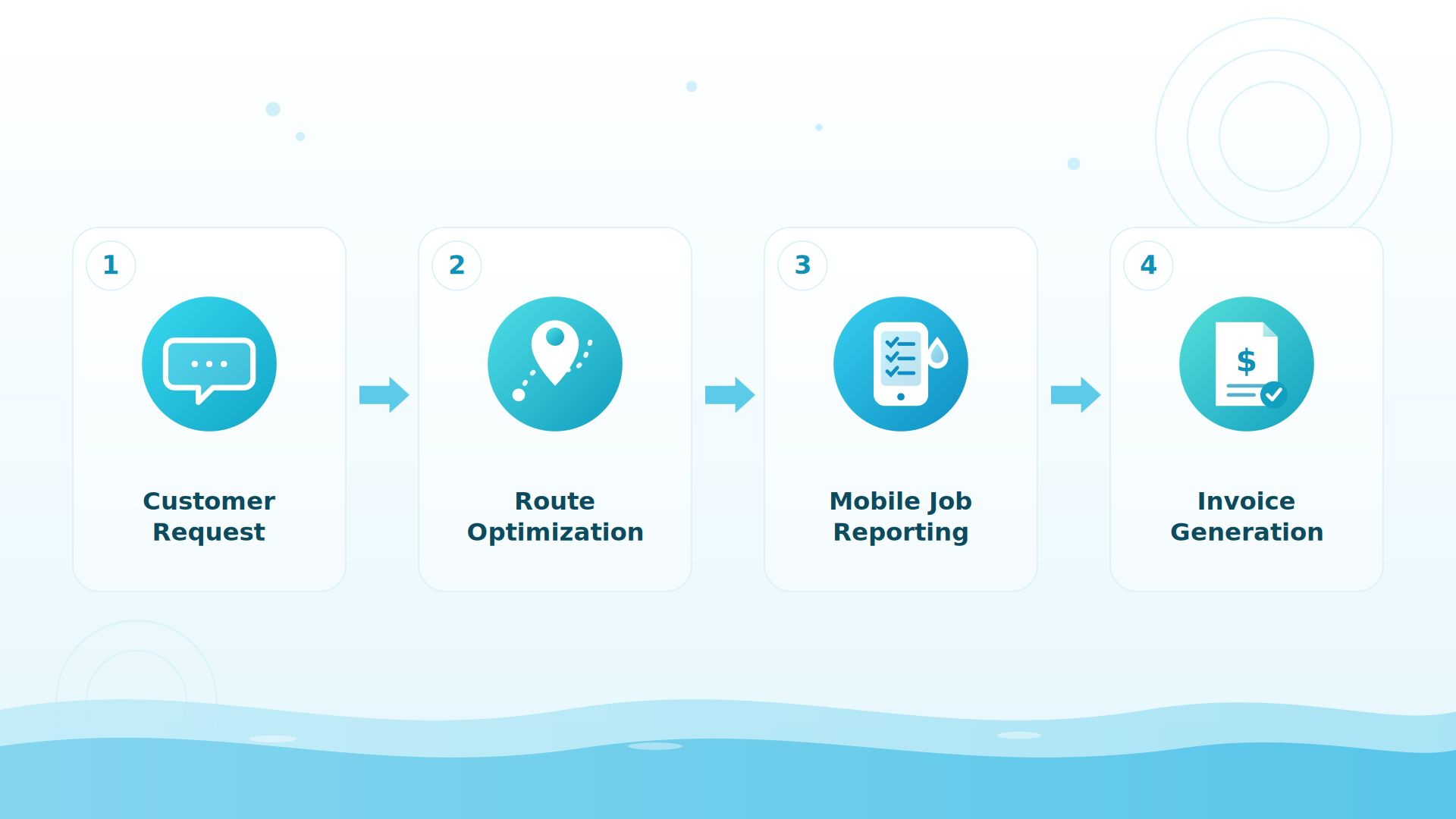
POM plans the route and shows each tech their whole day with drive times; property details, gate codes, and equipment ride along on every stop; the checklist, photos, and chemistry readings (shown against last visit’s numbers, with dosing math done for you) live in the tech app; the finished visit becomes the customer’s photo-backed report and, when it’s time to bill, the invoice — in two taps.
What results do POM companies report?
Companies using POM tell us they spend about 50% less time on daily office tasks and see around 5x fewer customer inquiries. When you’re short-staffed, that’s the point: fewer hours running the business, more hours available for pools.
How do I get help with my specific situation?
Book a free 20-minute call — your routes, your week, your staffing math. Call 614-710-0074 or book from this page. Or see the field side yourself with a 30-day free trial: every feature, instant access, card at signup, nothing charged until day 30, cancel anytime.
Ask an expert
A free 20-minute call with real pool-industry people — we’ll tell you where the hours are hiding in your week, whether or not you use our software. 614-710-0074.